Options are choices the customer must make before buying - size, color, capacity, engraving text, warranty length. They can adjust the product price and are validated at checkout so a choice is never missed.
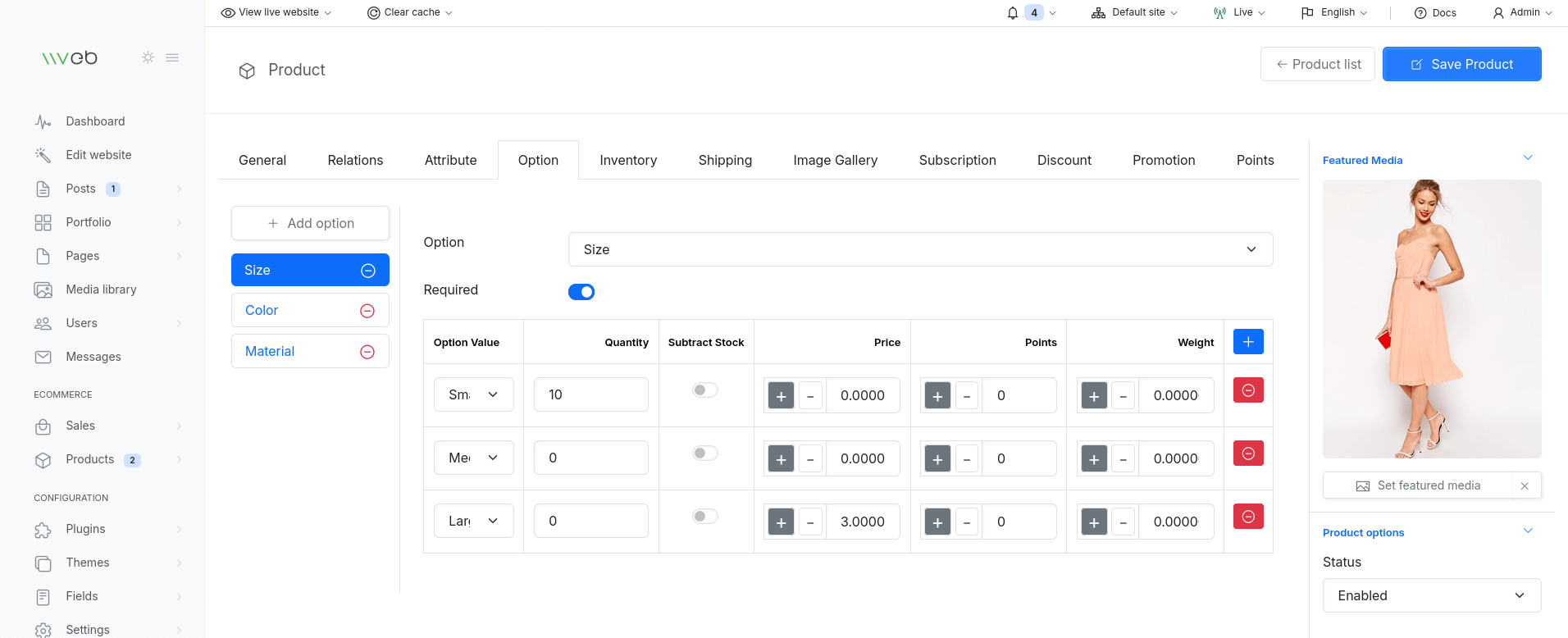
Option types
- Select / Radio - pick one value from a list
- Checkbox - optional add-on
- Text / Textarea - free input (e.g. personalization)
- File - customer uploads a file (e.g. print artwork)
- Date / Time - scheduling inputs
Each option has a name, and one or more values; every value may add a fixed amount or percentage to the base price.
Creating an option
- Go to Catalog → Options Click Add, choose the type
- Add the option values (with price modifiers if needed)
- Save
Attach options to a product from the product's Options section; required options force the customer to choose before adding to cart.