Description
Posts are entries that display usually in reverse order on your blog page or posts/blog sections. Posts can have user comments and are included in your site’s RSS feed.
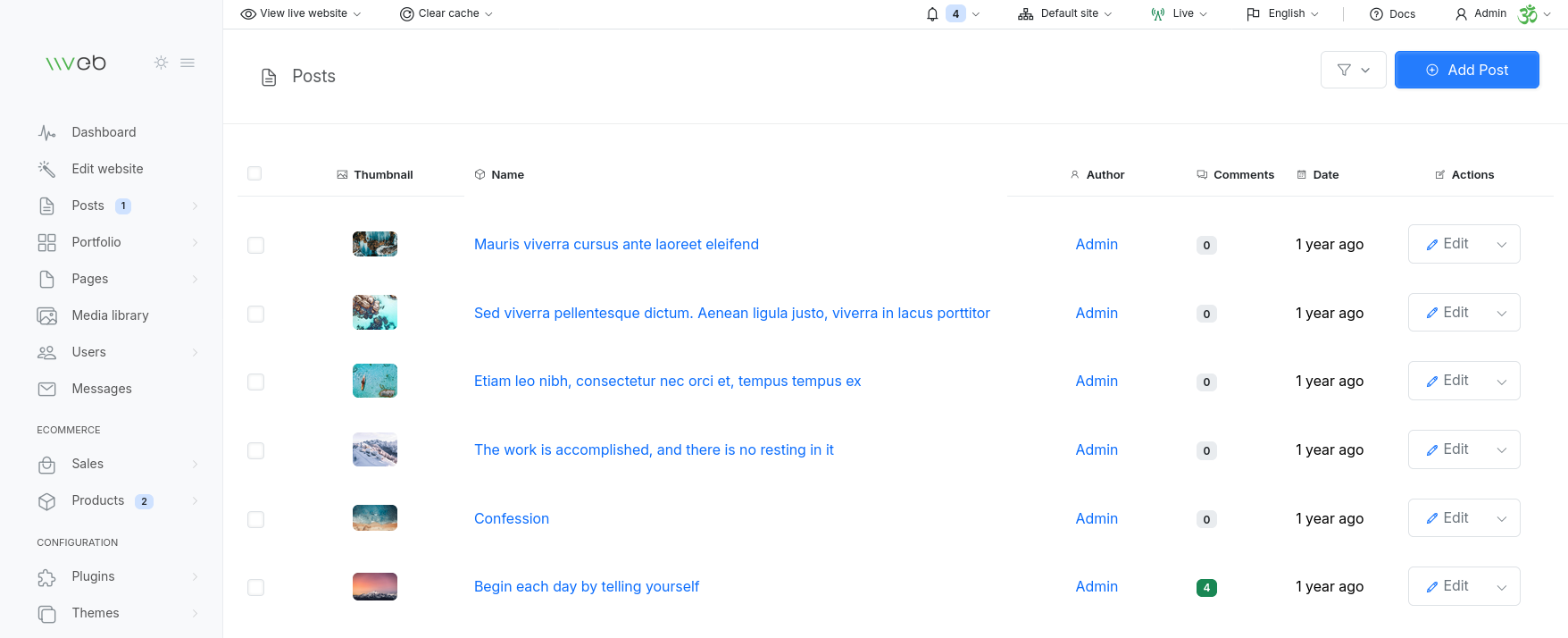
Each table row contains the following columns:
- Thumbnail
- Post Name
- Number of commments
Quick actions
When hovering a post quick action buttons will be visible to allow you to quickly view or design the post page.
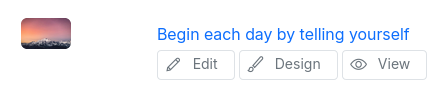
- Edit button will open the post edit page.
- View button will show the post page how is visible to your site visitors.
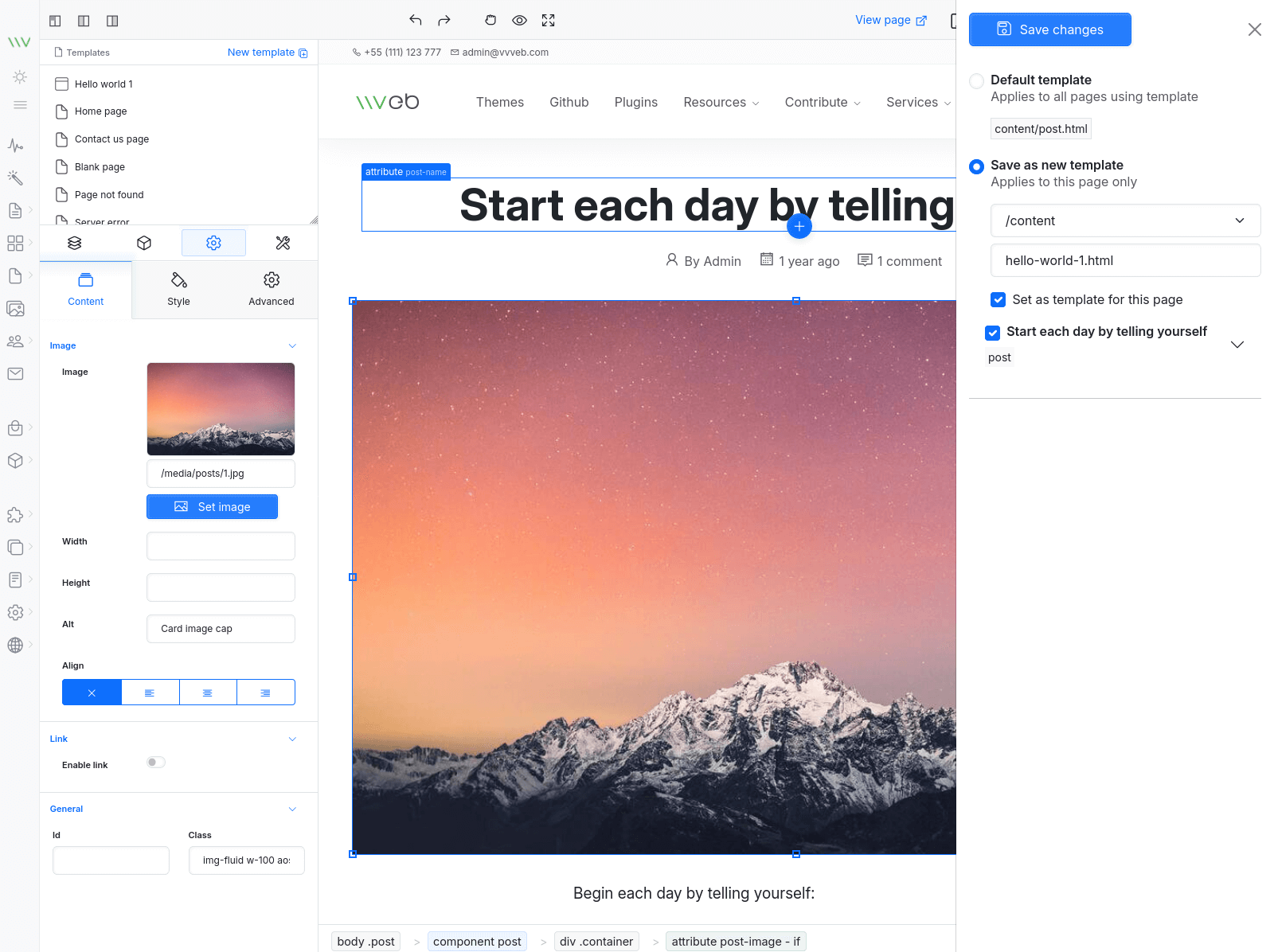
- Design button will load the post page in the page builder for post specific customizations. You can save the changes to a custom template with the Save as new template option that will apply the changes only for this post, choosing default template will apply the changes to all posts.
Bulk delete
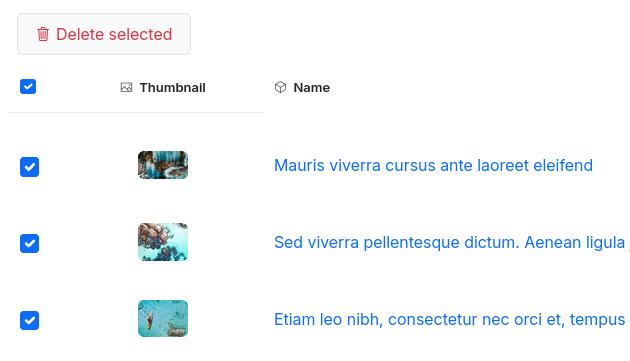
Selecting more than one post or clicking on the top checkbox will show the bulk delete button.
Filters
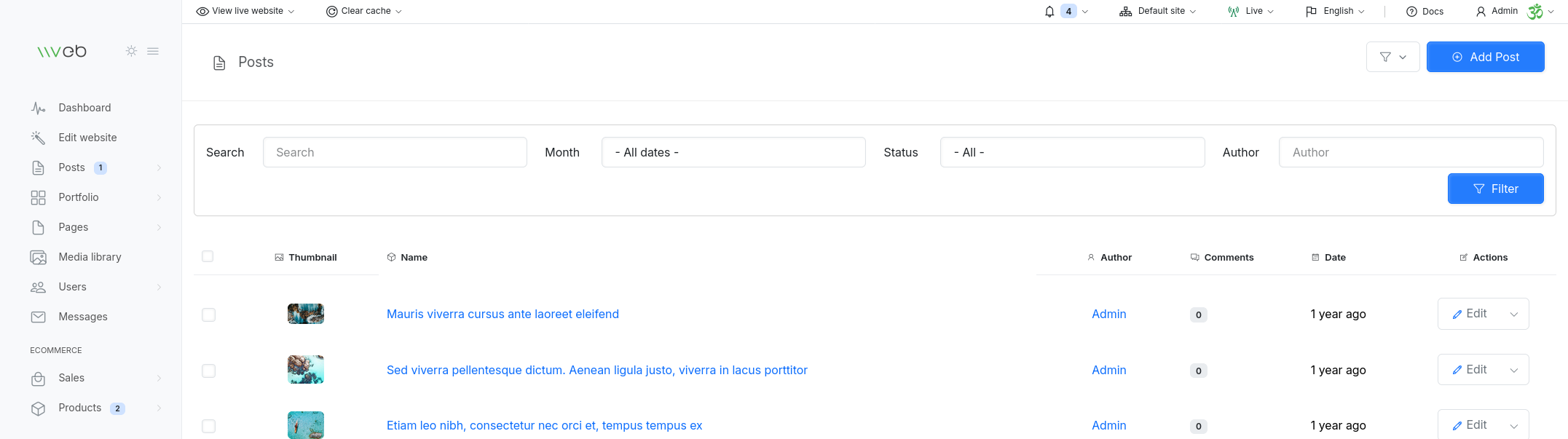
Available post filters:
- Search
- Month
- Status
- Author
Posts Management
Posts are content entries that typically appear in reverse chronological order on your blog page or in any posts/blog components. They can include comments, metadata, featured media, and are automatically included in your site’s RSS feed.
Posts List Overview
Each row in the posts table displays key information about a post:
- Thumbnail - Preview of the featured image
- Post Name - Title of the post (shown in the currently selected language)
- Author - Admin user who created the post
- Comments - Number of comments received
- Date Updated - Last modification date
- Status - Publish, Draft, Pending, Private, Scheduled
- Actions - Quick access to editing tools
Quick Actions
When hovering over a post, quick action buttons appear, allowing you to manage the post efficiently:
- Edit - Opens the post edit page
- View - Shows the post as visitors see it on the frontend
- Design - Loads the post in the Page Builder for layout customization
Using the Design option, you can:
- Save changes as a new template (applies only to this post)
- Use the default template (applies to all posts using that layout)
Bulk Delete
You can delete multiple posts at once:
- Select multiple posts using the checkboxes
- A Bulk Delete button will appear
- Confirm deletion
This is useful for cleaning up old or test content.
Filters
The posts list includes several filters to help you quickly find specific content:
- Search - Searches through post titles and content
- Month - Filters posts by month and year
- Status - Publish, Draft, Pending, Private, Scheduled
- Author - Filters posts by admin user
These filters make it easy to manage large blogs or multi‑author sites.