The Themes Code Editor allows you to directly modify the source files of your website theme.
This is ideal for developers or advanced users who want full control over the layout, styling, and behavior of their site.
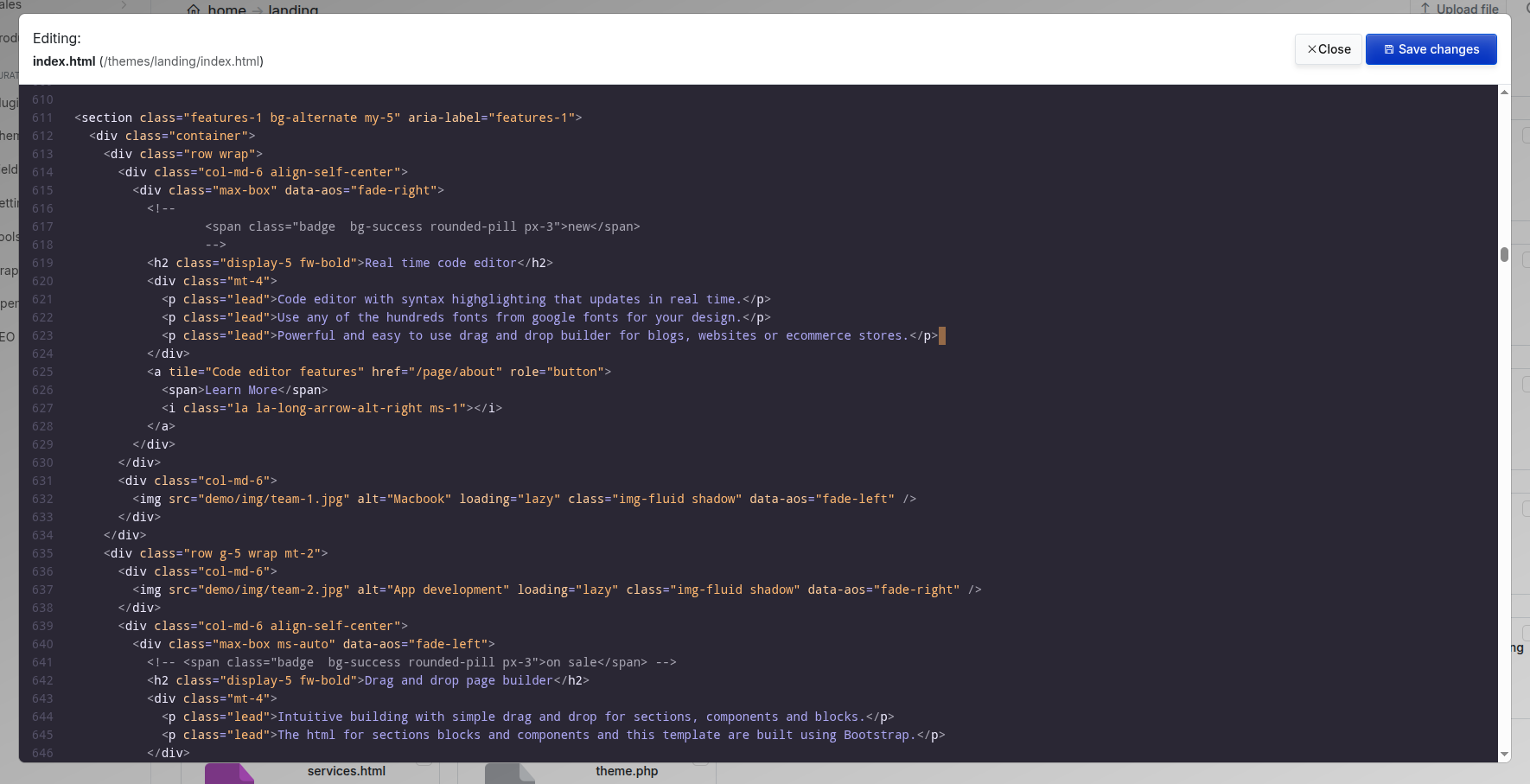
What You Can Edit
You can use the editor to modify all theme files:
- HTML - Structure and content of your theme pages
- CSS - Styling rules for layout, typography, colors, spacing, and responsiveness
- JavaScript - Interactive behavior, animations, and dynamic content
- Font and asset references - Customize fonts, icons, and media paths
All changes are saved directly to the theme files and take effect immediately.
How to Use the Editor
- Go to Themes → Edit Theme
- Select the file you want to modify (e.g.,
index.html,css/style.css,js/theme.js) - Make your changes in the code editor
- Click Save to apply updates
The editor includes syntax highlighting and supports real‑time updates for faster development.
Best Practices
- Always duplicate your theme before making major changes
- Use comments to document customizations
- Test changes on a staging site if possible
- Keep backups of original files