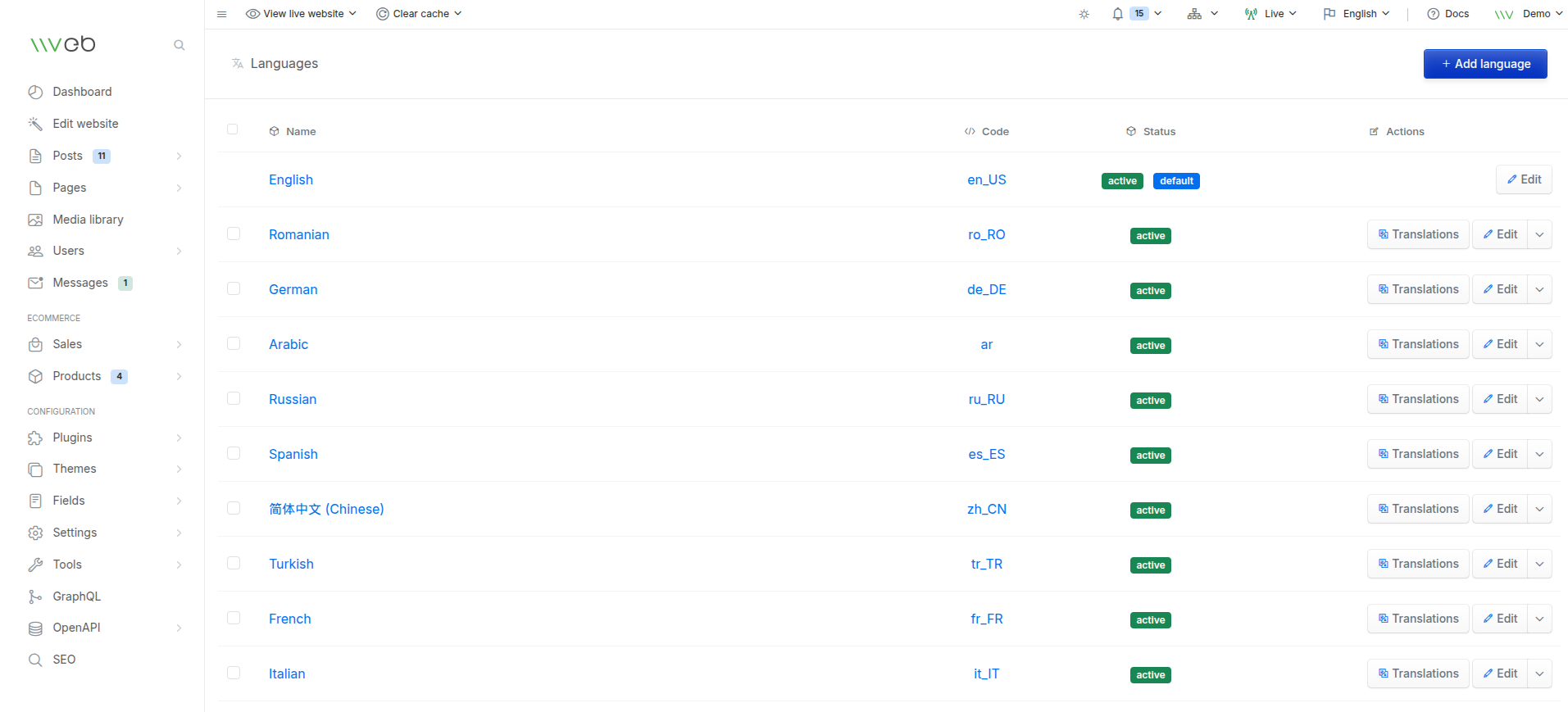
The Languages section allows you to configure all the languages your site will use.
When multiple languages are enabled, Vvveb automatically provides separate content fields for each language in posts, pages, products, categories, and other translatable areas.
This makes it easy to manage multilingual websites and deliver localized content to your visitors.
How Languages Work in Vvveb
Content Editing
When you edit posts, pages, or products, Vvveb displays input fields for every active language.
You can:
- Add translated titles, descriptions, and text
- Leave fields empty for languages you don’t want to translate yet
- Switch between languages while editing
Each language version is stored separately but managed from the same interface.
Front‑End Language Selection
Visitors can choose their preferred language using the language selector.
Depending on the theme, this selector is usually located in:
- The top header
- The navigation bar
- The footer
Once selected, the site displays content in that language whenever translations are available.
Default Language
Only one language can be set as the default language. In multi site installations default language can be set per site.
-
The default language does not include the language slug in the URL
- Example:
- Default language:
/about - Other languages:
/ro/about,/fr/about
- Default language:
- Example:
-
All other languages will use their slug in the URL for SEO‑friendly multilingual routing.
Managing Languages
From the Languages page, you can:
- Add new languages
- Edit existing languages
- Activate or deactivate languages
- Install language packs (when available)
- Access translation tools for each language
Each language entry includes:
- Name
- Slug
- Language code
- Locale
- Status (active/inactive)
- RTL (right‑to‑left) support
- Default language toggle
- Sort order